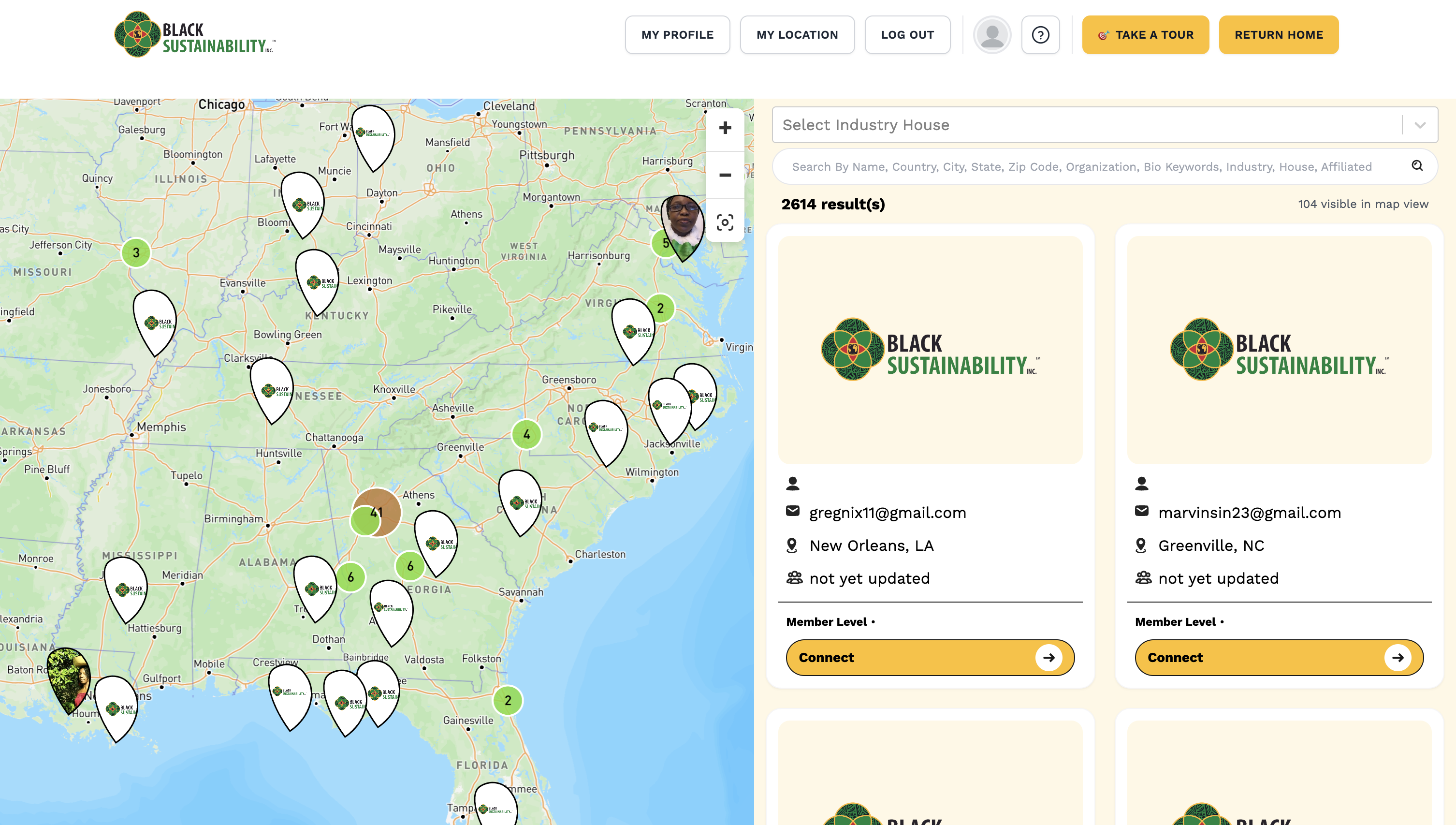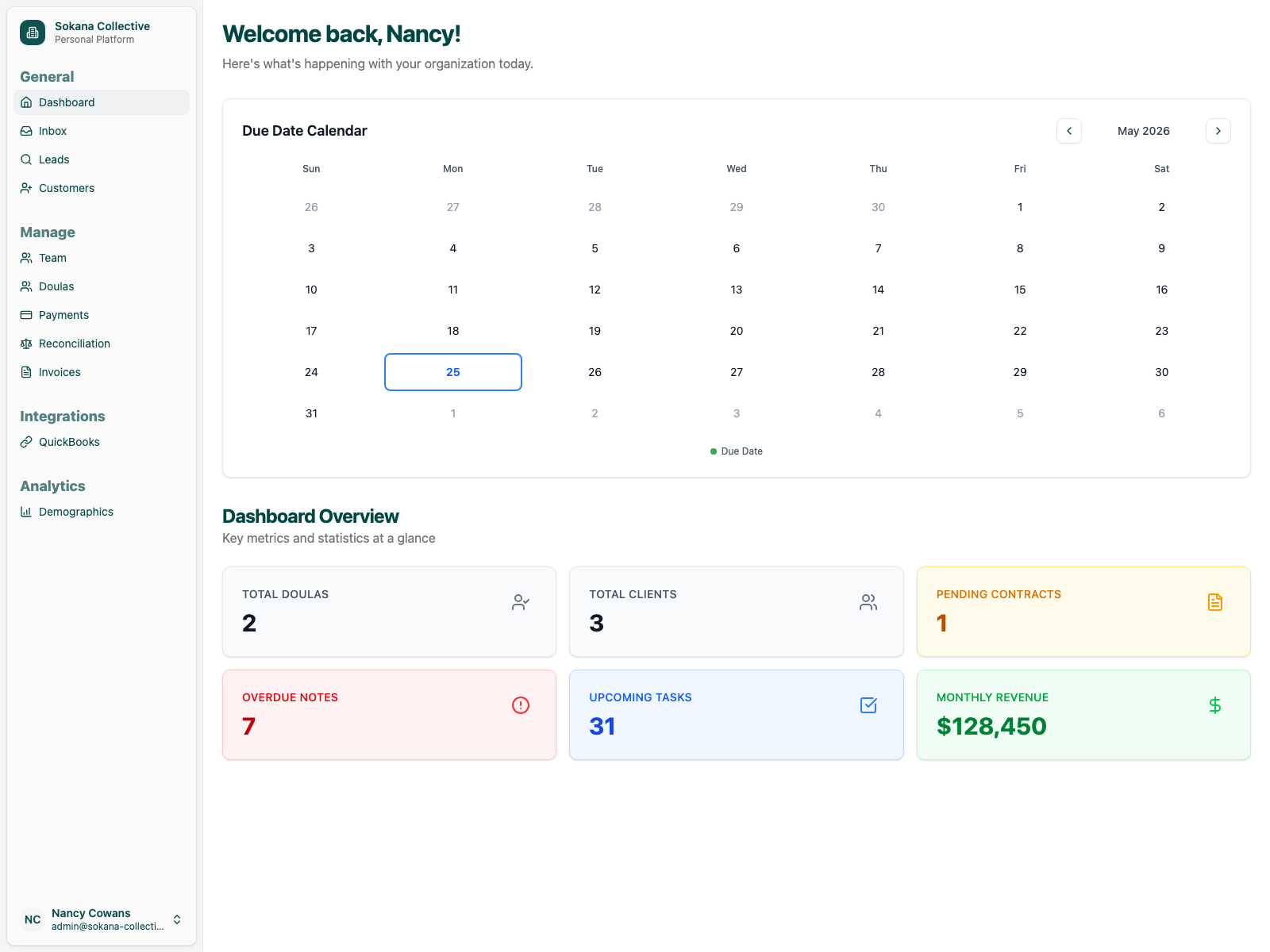
Intake + Referral Module
Capture referrals and client inquiries in one organized workflow, reduce manual data entry, and make follow-up easier to track.
Admin Time Reduction Modules for Organizations
Techluminate helps organizations reduce manual work through focused operational modules for intake, referrals, client tracking, assignment, billing visibility, and reporting.
The goal is not just to save time. The goal is to recover operational capacity so the same team can process more work, follow up faster, produce reports sooner, and grow without adding more admin chaos.
The goal is not more software. The goal is less admin drag.
The Offer
Each module targets a specific workflow where staff are losing time to manual work, scattered tools, duplicate data entry, follow-up chasing, scheduling coordination, billing confusion, or reporting delays.

Problem
As organizations grow, administrative work multiplies. Intake forms go to email. Referrals sit in spreadsheets. Follow-ups depend on memory. Staff availability is unclear. Billing status lives in a separate tool. Reports take too long to produce. Teams spend hours chasing information instead of serving clients, members, participants, or customers.
The result is administrative drag, lost time, delayed follow-ups, unclear visibility, and staff capacity wasted on repetitive work.
Modules
Instead of rebuilding your entire system at once, we start with the workflow creating the most administrative drag. Each module is designed around one measurable goal: reducing manual admin work in a specific part of your operation.
Capture referrals and client inquiries in one organized workflow, reduce manual data entry, and make follow-up easier to track.
Give your team one clear view of where every client, member, case, or participant stands from intake through delivery.
Make staff availability, caseload, service area, and assignment status easier to manage.
Reduce back-and-forth around availability, calendar links, unavailable periods, and booking coordination.
Create clearer visibility into invoice status, payment plans, billing handoffs, and accounting workflows.
Make leadership, program, and funder reporting easier by turning scattered data into usable dashboards and exports.
Measurement
These are not feature builds. Each module is tied to a measurable admin capacity recovery goal.
Primary Goal
Reduce manual administrative workload in a specific workflow.
Secondary Goals
Improve visibility and reduce preventable errors.
Measurement Approach
Before implementation, we estimate how much staff time the workflow is using today. After launch, we review it again to see whether the team is spending less time on admin work, handling more work each week, responding faster, and making fewer avoidable mistakes.
Example
If a module reduces 10 hours per week of manual administrative work, and the team works from a 40-hour admin week, that represents approximately 25% of one full-time admin's weekly capacity. At an estimated loaded admin cost of $35/hour, that also represents approximately $18,200 per year in admin capacity value.
More importantly, those 10 hours can now be redirected toward faster follow-up, more completed referrals, cleaner reporting, or avoiding the need for extra administrative hiring.
Capacity estimates depend on workflow volume, staff adoption, current tools, and implementation scope.
Offer Stack
The business model is simple: reduce admin time, recover capacity, increase throughput, improve service delivery, and measure the result.
Identify where staff time is being lost and calculate the cost of admin drag.
Implement one focused workflow improvement tied to a measurable time-reduction target.
Review the workflow after launch and calculate recovered capacity, throughput improvement, response-time gains, and reduction in rework.
Maintain, adjust, and optimize the module as your team and tools change.
Real Example
A strong business case should show three layers: the initial module ROI, the admin capacity recovered, and how support keeps producing value after launch.
Example: a $3,500 intake and client management module reduces one workflow from 10 admin hours per week to 4. That recovers 6 hours per week, or about $10,920 per year in admin capacity value. Net first-year value: about $7,420. Estimated payback period: about 4 months.
The stronger story is what those 6 hours now allow the team to do: complete more referrals, follow up faster, keep client status cleaner, produce reports sooner, or avoid needing extra admin support.
Support is not just bug fixing. It protects the value already created and adds more through small workflow improvements, cleanup, report tweaks, and reliability fixes. That makes support easier to justify as an optimization and protection layer.
Capacity Scorecard
A useful review does not stop at hours. It shows how much operational capacity becomes available after manual work is reduced.
How It Works
Step 1
We review your current process, tools, bottlenecks, and admin workload.
Step 2
We identify the highest-friction workflow and choose the module most likely to recover operational capacity first.
Step 3
We improve the workflow using the right level of technology: existing tools, integrations, automation, or custom development when needed.
Step 4
After launch, we review what changed, what time was recovered, and what should be improved next.
Step 5
Once the first module is stable, we can add another module or review whether a larger system strategy makes sense.
System Path
The first module can stand alone, but it can also become the foundation for a larger operational system over time. As modules mature, they can remain connected to your existing tools or eventually become part of a more integrated platform.
Techluminate does not force full custom systems upfront. Practical workflow improvement comes first.
Who This Is For
Operational systems need to fit real staff workflows, not add another layer of chaos. This is a strong fit for service-based organizations, nonprofits, care teams, and membership organizations.
Proof
Techluminate’s approach comes from hands-on work building and improving real operational systems for nonprofit, membership, care-delivery, and service-based organizations.
Care delivery and client operations systems
Member platform and data infrastructure stabilization
Intake, assignment, contract, billing, and reporting workflows
Data cleanup, migration, and dashboard improvements
Next Step
If your team is spending too much time manually tracking intake, follow-ups, assignments, billing, or reports, the next step is an admin time reduction audit. We’ll identify the highest-friction area, estimate the cost of the drag, and recommend the first module to improve.